
Parimatch Mobile Version and Applications
The mobile version of Parimatch VIP offers a comprehensive suite of features, allowing users to register with the betting provider, view betting lines, and place wagers seamlessly.
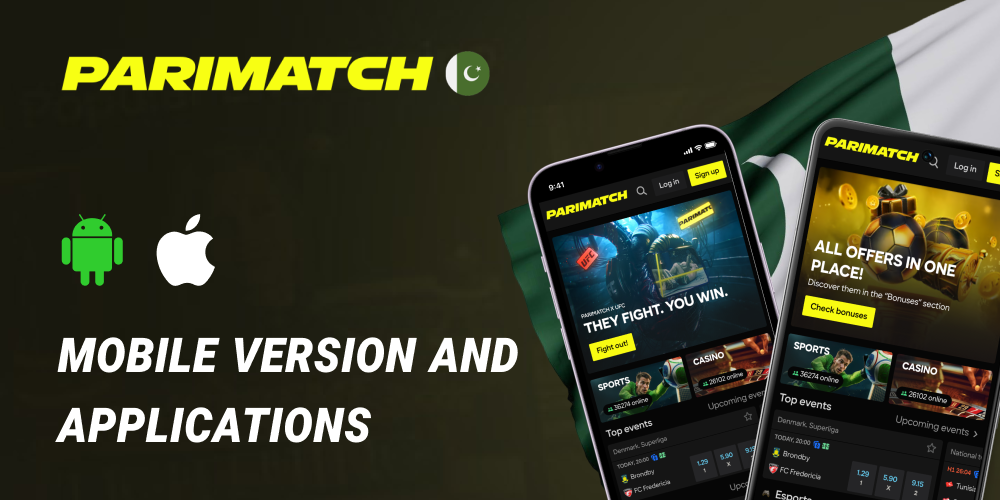
In addition to direct betting capabilities, the mobile website serves as a hub containing links to download the dedicated iOS and Android mobile apps, information on current promotions from the bookmaker, and contact details for the support service.
Screenshots
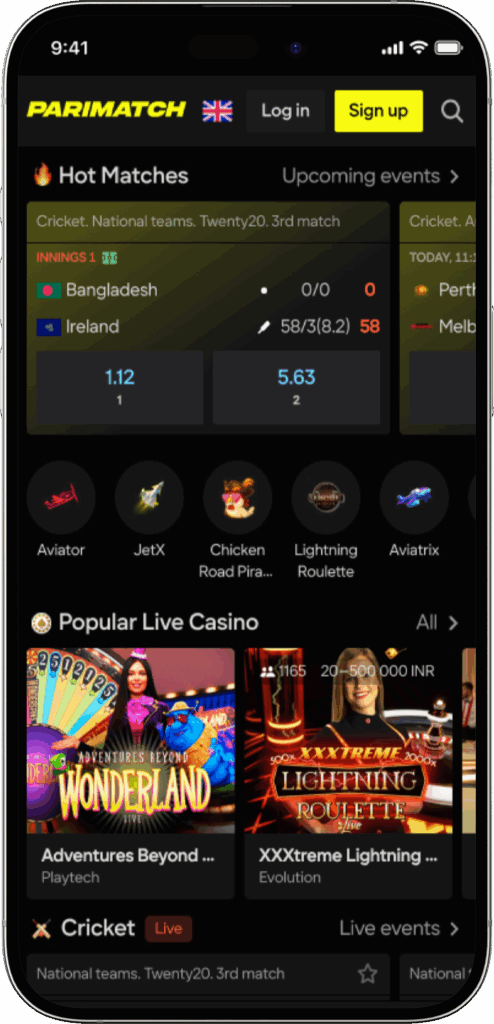
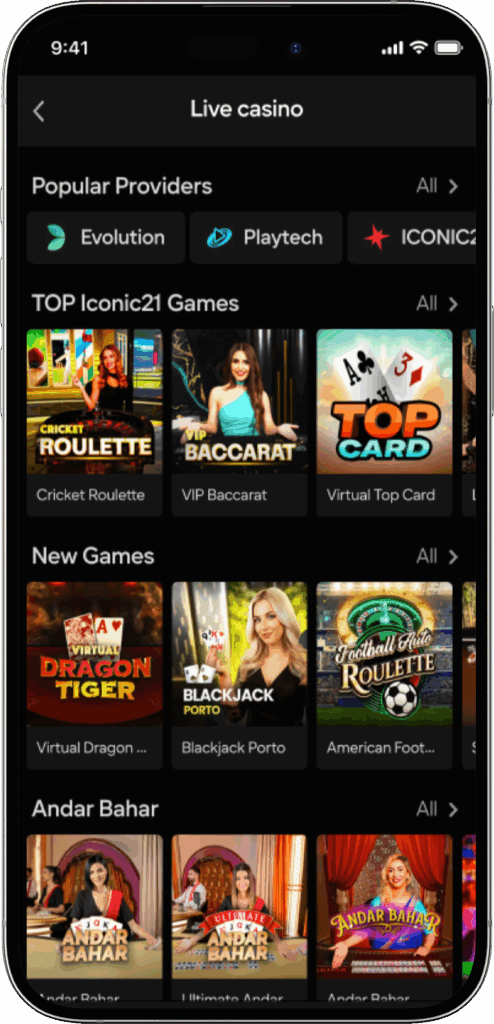
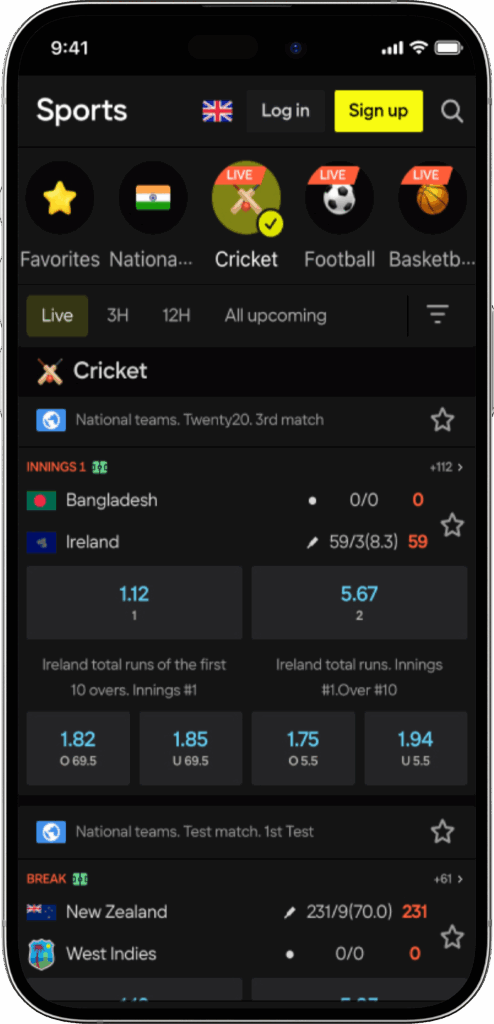
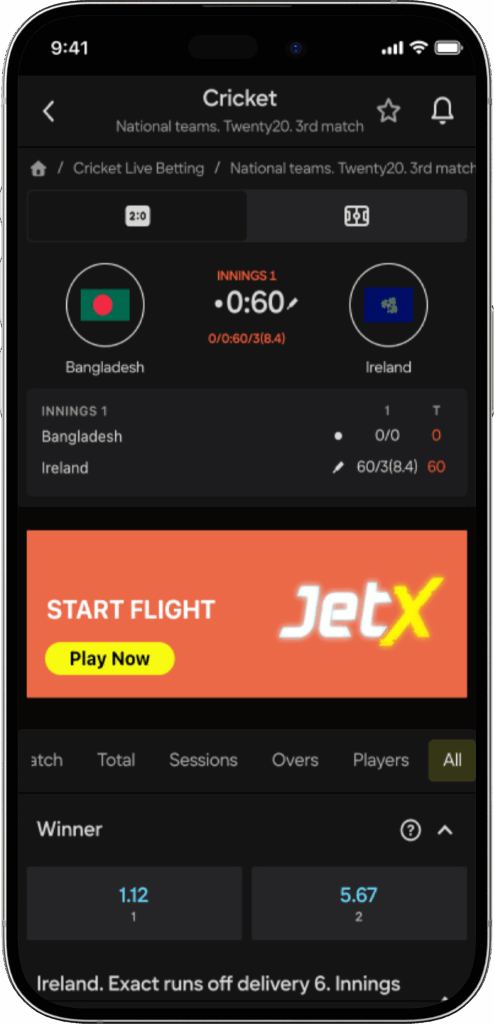
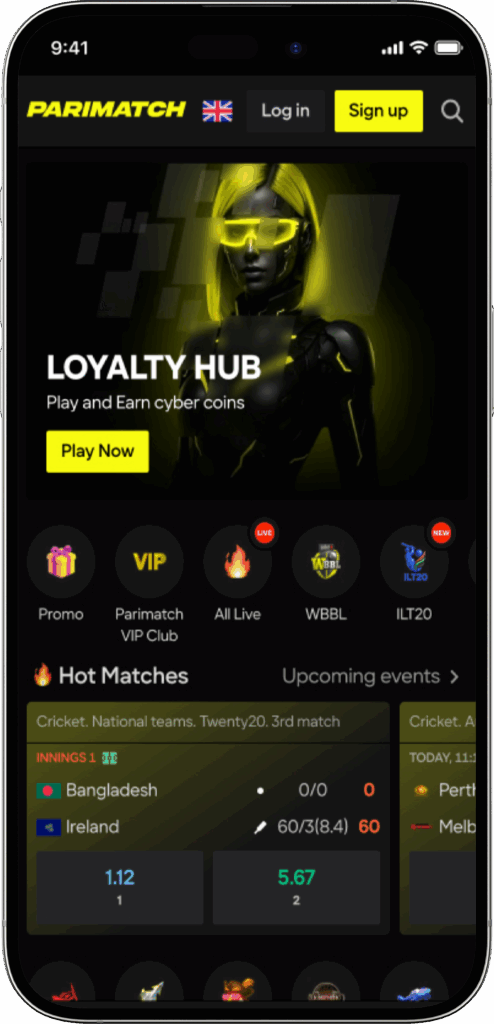
Interface and Navigation Overview
Parimatch Pakistan bets can be accessed via the official website, which is fully optimized for smartphones and tablets, or through dedicated mobile applications. While the core functionality remains consistent, there are specific nuances to the mobile interface designed to enhance usability on smaller screens.
Home Page Layout
The home page of the Parimatch mobile interface acts as a central dashboard, presenting a list of the main sporting events of the day. The “Top” section highlights the most popular matches, logically grouped by sport to facilitate quick access. Football generally takes precedence at the top, followed by other popular sports. Users can navigate directly to events from a specific sport simply by swiping right across the screen.
Mobile Site Optimization
The Parimatch mobile version allows users to bet without downloading specific software to their phones. To accommodate smaller screens, some elements of the standard Parimatch interface have been repositioned to create necessary negative space. Each screen displays only the sections essential for the immediate task, such as betting. The remaining navigation items are tucked away in a pop-up menu accessible under the logo. It is important to note that the mobile browser version may lack certain features found in the full desktop experience, such as the Quick Bet feature, the “Soon to Live” section, and comprehensive results and statistics.
Key Mobile Features
The mobile platform is rich in functionality, divided into logical sections to help users manage their activity and find games easily.

Sports Section
Every event is systematically divided into categories for ease of browsing. The interface displays the number of games available for betting next to each sport category.
- Users can filter their desired sport and further refine the view by country and league.
- The “Favorites” feature allows users to mark specific games.
- Favorites can be easily accessed by navigating to the bottom of the screen and entering the PariMatch mobile version menu.
- The full menu of available options opens with a simple click on the logo.
Live Betting and Streaming
The Live section displays games where the bookmaker allows in-play betting. At the top of this section, the total number of available live events is visible, categorized by sport.
- Streaming: Users can watch live streams of events directly on their device.
- Access: To access the stream, users must be logged into their account on the mobile version of the site.
- Quality: The bookmaker uses its own platform to stream videos, offering users the ability to enlarge the window to watch in fullscreen mode.
My Bets and History
Each user is provided with a comprehensive account history section. This area contains records of all previously placed and settled bets, as well as active live bets. In live mode, specifically within the “no calculation bets” tab, the Cashout option is available. This feature allows the user to redeem the bet prior to its final settlement, securing a portion of the winnings or minimizing losses.
Betting Settings
Under the “My Account” tab accessible from the main menu, users have the ability to modify their personal betting preferences. This includes accepting changes to the cashout limit and configuring how the system handles odds changes during the betting process.
App Installation Guide
While the mobile site is functional, many users prefer the dedicated applications. Below are the instructions for installing the app on the most used mobile operating systems.
How to Install PariMatch on Android
Due to the Google Play store’s policy regarding gambling content, the bookmaker’s applications cannot be downloaded directly from the store. The APK file must be installed manually. Follow these steps:
- Navigate to PariMatch’s official website from the mobile phone on which you wish to install the application.
- Locate the download link for the Android app (often found at the top of the page or in the menu).
- Download the APK installation file.
- Once the download is complete, open your phone settings and allow the installation of applications from “unknown sources.”
- Run the file to complete the installation.
How to Install PariMatch on iOS
For Apple users, the process is more streamlined as the application is hosted on the official marketplace.
- You can find the mobile application “BC PariMatch” for iPhone and iPad directly in the official App Store.
- Ensure that you are downloading the official app published by the bookmaker to guarantee security.
Placing Bets and Transactions
The PariMatch apps for iPhone, iPad, and Android offer robust betting features. While some secondary features like built-in support chat or deep statistics might be absent compared to the desktop, the core betting experience is smooth. The mobile apps feature a search function hidden under the bookmaker’s logo at the bottom of the screen, allowing users to find specific matches quickly.
How to Place a Bet on the Mobile App
Placing a wager is a straightforward process designed for speed. Follow these instructions:
- Select the appropriate sports filter or utilize the search function to find the specific sporting event you wish to bet on.
- Browse the available markets and click on the odds corresponding to the outcome you want to back.
- A window will open displaying the bet details; enter the desired stake amount.
- Click “Place Bet” to finalize the wager, or click “Add to Coupon” if you wish to build an accumulator and place the bet later.
Deposits and Withdrawals
Managing your funds is convenient via the mobile platform. Below are the available methods for funding your account and cashing out your winnings.
Deposit Methods:
- Bank cards (Visa, MasterCard)
- e-Wallets
- Mobile phone payments
- ATMs
- Online banking systems
Withdrawal Methods:
- Bank cards (Visa, MasterCard)
- e-Wallets
- Bank account transfers